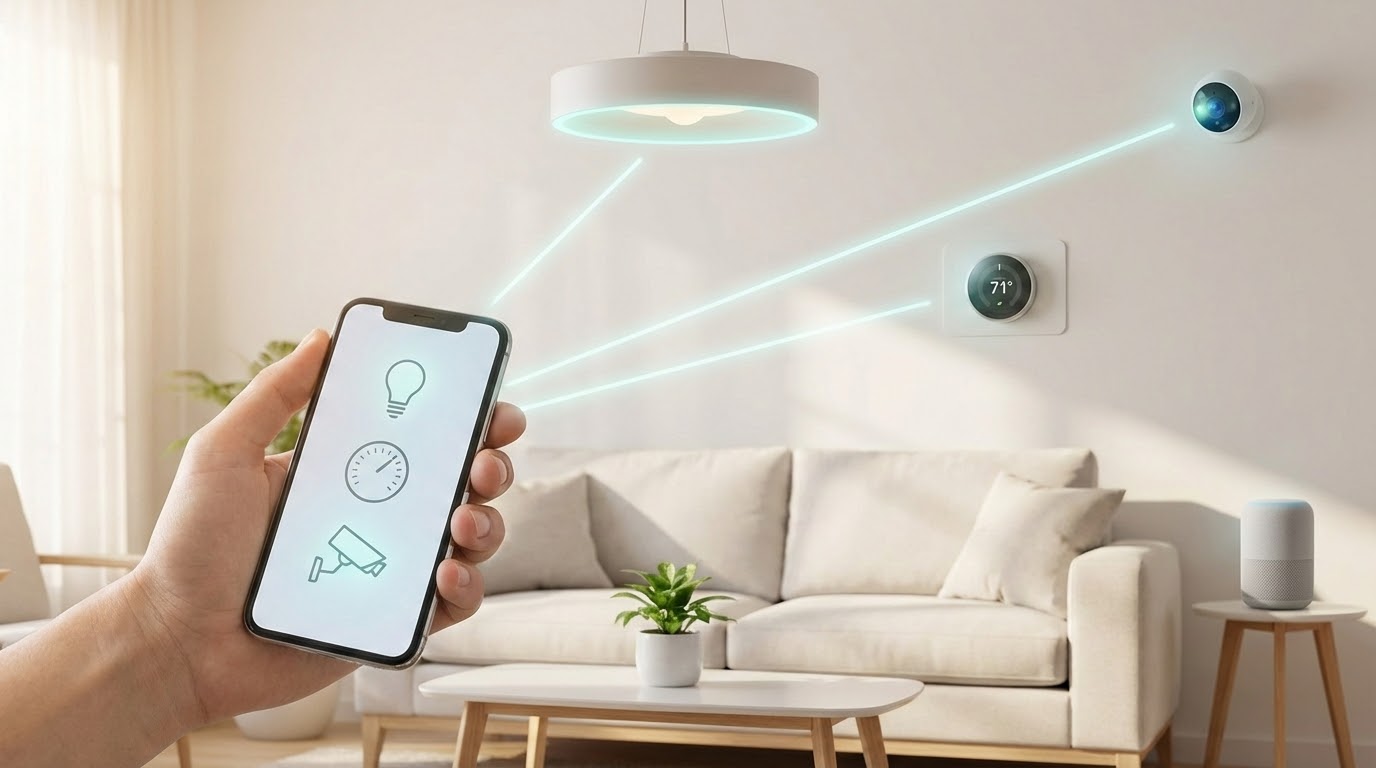
Imagine controlling your lights, thermostat, and security system from your phone. This is the power of a modern, connected living space. It transforms daily routines with simple commands.
This technology lets you manage programmable gadgets from anywhere. You do not need to be an expert to start. Basic systems are affordable and user-friendly.
The adoption of these intelligent systems is growing fast. A significant portion of households now embrace this advancement. It is becoming a standard part of modern life.
The main advantages are clear. You gain convenience, improved safety, enhanced entertainment, and better energy use. These benefits save you valuable time and money.
Building your personalized system is easier than ever. You can start small and expand over time. This guide will walk you through the entire process.
We will cover choosing your first gadgets, understanding different platforms, and detailed setup instructions. You will also learn about integrating security and finding ideas for every room.
Key Takeaways
- Smart home technology makes everyday tasks easier and more efficient.
- You can start with a few simple, affordable devices.
- Control your connected systems remotely using a smartphone.
- Key benefits include convenience, security, and energy savings.
- Expanding your setup over time is a straightforward process.
- This guide provides a clear, step-by-step path to get started.
Understanding Home Automation and Smart Homes
The foundation of an intelligent residence lies in networked appliances that work together seamlessly. A smart home typically uses connected devices to manage household functions through mobile apps and voice commands.
These systems operate through three core functions:
- Monitoring lets you check status remotely
- Control enables operating gadgets from anywhere
- Automation sets triggers for devices to work together
Devices connect using various technologies. Wi-Fi is the most common method. Zigbee and Z-Wave are specialized wireless protocols. Bluetooth handles short-range connections.
This technology creates an interconnected network. For example, a security camera can send phone alerts when detecting motion. This demonstrates the cause-and-effect nature of the system.
Understanding these concepts helps you choose the right equipment. It ensures your setup meets specific needs and living situations effectively.
Why DIY Home Automation is Perfect for Beginners
The do-it-yourself approach to modern living technology puts customization and affordability within easy reach. You don’t need advanced tech skills to create a personalized smart home system.
Many devices feature simple installation processes and intuitive apps. This accessibility makes the DIY path ideal for those starting their journey into connected living.
| Feature | DIY Approach | Professional Installation | Best For |
|---|---|---|---|
| Cost | $50-300 starter kits | $500-2000+ | Budget-conscious users |
| Customization | Full control over devices | Limited to package options | Personalized setups |
| Installation Time | 15-60 minutes per device | Several hours to days | Immediate gratification |
| Ongoing Control | Complete user management | Often requires service calls | Hands-on enthusiasts |
Enhanced convenience stands out as a primary benefit. Control lights, temperature, and entertainment with voice commands or smartphone taps. This streamlined approach saves time and reduces daily stress.
Comfort improvements transform ordinary routines. Program your coffee maker to brew at wake-up time. Set bathroom heating timers for morning comfort. Adjust lighting and music without leaving your seat.
Security gains provide significant peace of mind. View security cameras remotely through your phone. Receive instant alerts about unusual activity. Monitor package deliveries while away from your residence.
These systems also increase accessibility for various users. Voice-controlled lighting helps those with mobility challenges. Automated door locks create safer environments for elderly residents.
Energy efficiency becomes easily achievable. Smart thermostats optimize heating and cooling schedules. Automated lighting reduces unnecessary electricity use. Monitoring devices provide real-time consumption data.
The DIY way lets you select components matching your lifestyle and budget. Avoid paying for unnecessary features in pre-packaged solutions. Build your ideal system one device at a time.
Home Automation for Beginners: Choosing Your First Smart Devices
The journey into connected living begins with picking devices that simplify your most frequent household tasks. Start with just one or two smart devices rather than buying everything at once. This approach lets you learn the basics without feeling overwhelmed.
Consider four key factors when selecting your initial components. Budget determines what you can afford. Setup complexity should match your technical skills. Lifestyle compatibility ensures the gadgets fit your needs. Research helps you make informed choices by reading reviews.
| Device Type | Price Range | Ease of Setup | Best For |
|---|---|---|---|
| Smart Speaker | $50 | Very Easy | Voice control beginners |
| Smart Bulbs | $30 for 2-pack | Easy | Lighting automation |
| Smart Plug | $35 | Easy | Converting existing appliances |
| Video Doorbell | $100 | Moderate | Security enhancement |
| Smart Thermostat | $250 | Advanced | Energy savings |
Smart light bulbs offer the simplest entry point. They screw into existing fixtures and connect via apps. Smart plugs transform ordinary lamps and electronics into controllable devices.
Pair devices for enhanced functionality. Combine a smart speaker with bulbs for voice-controlled lighting. Link a video doorbell with a smart lock to remotely grant access to visitors.
Exploring Popular Smart Home Platforms and Hubs
Navigating the world of interconnected platforms requires understanding how devices communicate. Choosing a unified platform lets your gadgets work together seamlessly. This creates a central control point for your entire setup.
A smart hub acts as the brain of your system. Traditional hubs like Samsung SmartThings use Z-Wave and Zigbee protocols. Virtual hubs like Alexa and Google Assistant connect Wi-Fi devices over the internet.
| Platform | Key Features | Best For | Hub Type |
|---|---|---|---|
| Amazon Alexa | Extensive speaker selection, Echo devices | Voice control enthusiasts | Virtual |
| Apple HomeKit | Superior user experience, HomePod speakers | Apple ecosystem users | Virtual |
| Google Assistant | Excellent video services, Google Nest devices | Video-focused setups | Virtual |
| IFTTT | Cloud-based service compatibility | Advanced automation | Virtual |
| Z-Wave/Zigbee | Extensive sensor selection | Large device networks |
Hubs become essential when managing many Z-Wave or Zigbee devices. They also reduce Wi-Fi congestion on your network. Many modern IoT gadgets connect directly via Wi-Fi or Bluetooth.
Voice control integration simplifies daily routines. Once devices link to compatible platforms, simple voice commands trigger actions. You can adjust lighting or temperature with spoken words.
No single system works with every device available. Select components that support multiple platforms for maximum compatibility. This strategy prevents conflicts as you expand your setup over time.
Step-by-Step Guide to Setting Up Your First Smart Home System
Building your debut networked dwelling configuration means establishing communication between different gadgets. This creates a functional smart home system that responds to your needs.
Your setup requires four main components working together. Each plays a specific role in the overall home automation experience.
| Component Type | Function | Examples | Setup Complexity |
|---|---|---|---|
| Smart Hub | Central brain managing all devices | Google Nest Hub, Samsung SmartThings | Moderate |
| Sensors | Detect environmental changes | Motion sensors, temperature sensors | Easy |
| Actuators | Perform physical actions | Smart switches, thermostats, plugs | Easy to Moderate |
| Controllers | User interaction devices | Smartphones, voice assistants | Very Easy |
Most gadgets connect directly via Wi-Fi using companion apps. Download the app, connect to your network, and follow setup instructions. This process typically takes minutes.
Some devices use Zigbee or Z-Wave protocols requiring a hub. The emerging Matter standard improves compatibility between different brands over time.
Control your system through mobile apps, voice commands, or automation routines. For example, set lights to turn on at sunset automatically.
A good first-day project: install a smart speaker, connect a bulb, and create voice commands. If devices won’t connect, check Wi-Fi strength and restart your router.
Integrating Security and Convenience in Your Smart Home
Security technology now integrates seamlessly with comfort-enhancing gadgets for comprehensive protection. Modern devices combine monitoring capabilities with user-friendly features.
| Device Type | Primary Function | Installation Level | Average Cost |
|---|---|---|---|
| Indoor Camera | 360-degree room monitoring | Easy | $100-200 |
| Outdoor Camera | Weather-resistant perimeter security | Moderate | $150-300 |
| Video Doorbell | Visitor identification and communication | Easy to Moderate | $100-250 |
| Smart Lock | Keyless entry and access tracking | Moderate | $200-350 |
Indoor cameras like the Arlo Pro 4 offer motorized components for full room views. They capture motion and sound events with excellent video quality. Both local and cloud storage options are available.
Outdoor security cameras withstand weather elements while monitoring your property. Some models include integrated floodlights for enhanced visibility. Choose between wired and wireless installation methods.
Video doorbells function as porch cameras for visitor interaction. The Ring Video Doorbell works with rechargeable batteries or existing wiring. You can see and speak with guests before opening the door.
Smart locks such as Schlage Encode provide keyless entry and remote control. They track guest access and eliminate spare key concerns. These devices integrate with broader security systems.
DIY security systems allow self-monitoring through mobile apps. Most now offer optional professional monitoring services. This approach is more affordable than company-installed systems.
Strategic device pairing enhances overall security. Connect smart locks with garage doors for automatic locking. Link cameras with sensors to activate recording when doors open.
Many security platforms also manage other smart devices through single apps. This consolidation creates unified control over both safety and convenience features.
DIY Home Automation Ideas for Every Room
Create responsive environments in each living area by implementing smart technologies tailored to room-specific functions. Different spaces require unique automation approaches for maximum efficiency.
Start with lighting control throughout your residence. Program schedules for daily routines using simple app settings. Add motion detection for automatic activation when entering spaces.
| Automation Type | Implementation Complexity | Key Benefits | Ideal Rooms |
|---|---|---|---|
| Smart Lighting | Easy | Energy savings, convenience | All rooms, hallways |
| Climate Control | Moderate | Comfort, efficiency | Living room, bedroom |
| Security Integration | Advanced | Safety, peace of mind | Entryways, exterior |
| Voice Control | Easy | Hands-free operation | Kitchen, living areas |
Climate management becomes effortless with programmable thermostats. These devices learn your preferences over time. They adjust temperature based on occupancy patterns.
Integrate security features using motion sensors and cameras. Place these devices strategically around entry points. Receive instant alerts when activity occurs.
Voice commands provide ultimate convenience for daily tasks. Connect all smart home devices to a central assistant. Use simple phrases to control multiple functions simultaneously.
Consider automated watering systems for indoor plants. These maintain optimal moisture levels automatically. Advanced setups can even mix nutrients as needed.
Tips for Optimizing and Expanding Your Home Automation System
The true power of your connected residence emerges when devices begin working together automatically. This creates a seamless experience that simplifies your daily routine. Two key features make this possible: routines and automations.
Routines group multiple actions under one command. You might create a “Movie Night” routine that dims lights, closes blinds, and starts your entertainment system. Setting up routines involves these simple steps:
- Open your smart home app and find the routines section
- Select which devices you want to include
- Adjust each device to your preferred settings
- Give the routine a memorable name for voice activation
- Test your new creation to ensure everything works
Automations take this concept further by triggering actions based on specific conditions. Your system can react to schedules, location changes, or sensor inputs. This represents the pinnacle of smart home convenience.
As you expand your setup, consider balancing these four device categories:
- Control and convenience gadgets like speakers and smart plugs
- Entertainment components including streaming devices
- Security and safety equipment such as cameras and sensors
- Utility and energy management tools like thermostats
Follow these best practices for optimal performance. Start small and expand gradually. Choose a reliable platform and ensure component compatibility. Always test thoroughly after adding new devices.
Plan to invest $500-$2,000 for a comprehensive system built over time. Patience is key—focus on solving specific needs rather than pursuing perfection.
Conclusion
While futuristic visions of automated homes capture our imagination, the real value lies in addressing today’s practical needs. Smart technology brings genuine convenience, security, and energy savings to daily living.
Remember that these systems aren’t always as intelligent as marketing suggests. No single app controls everything perfectly. Focus on solving specific pain points rather than chasing seamless integration.
Security remains important with connected devices. Use trusted manufacturers and strong passwords. Enable two-factor authentication when available for added protection.
Start small with a smart speaker and bulbs or a video doorbell. Build your setup gradually as needs evolve. The market continues improving with new standards like Matter emerging.
Keep expectations realistic, and your smart home will provide meaningful convenience. Today’s technology offers remarkable control over your living space, even if it’s not quite science fiction yet.